Summer 2013 / Originate

Sprinkles

A summer internship in San Francisco where I worked on Sprinkles, an Android app for stitching together Instagram videos and reposting them as short remixes.

Sprinklescom.jsvr.sprinkles
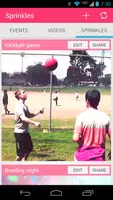
Five archived Sprinkles Android screenshots showing events, videos, sharing, and editing screens.

Archived Android screenshots from the surviving APKPure page.

The Summer

A first software internship in San Francisco

After junior year of college, I interned at Originate in San Francisco. It was the first time I worked professionally as a software engineer, and also the first time I lived in the city. I remember it as a fun summer: I was learning what day-to-day programming work felt like, working with a team, and trying to ship a real app instead of turning in an assignment.

My main project was Sprinkles, an Android app for combining Instagram videos. This was before TikTok and before mobile social video editors were everywhere. The idea was simple: gather clips from friends, stitch them into a small remix, and send the result back out through the apps people already used.

The Work

The project was a stretch for me

I did not know much Android development yet, and I knew even less about working with video files. That made Sprinkles challenging in a very practical way. The app had familiar user-facing screens, but behind those screens were media files, thumbnail grids, edit state, export paths, and the basic question every mobile project asks: will this actually run on the device?

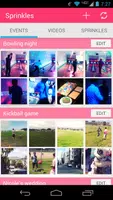
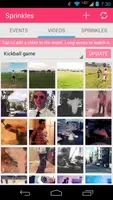
The screenshots are small, but they still jog my memory: events, videos, a remix grid, an edit screen, and a share screen. It was satisfying to put something on Google Play at the end of the summer, even though the app was not maintained after the internship.

Five archived Sprinkles Android screenshots showing events, videos, sharing, and editing screens.
The archived Sprinkles screenshots: events, video buckets, remix editing, and sharing.Source: APKPure archive

Originate

A consulting shop that moved quickly

Originate was a consulting dev shop that built apps and prototypes for other companies. What made an impression on me was how comfortable the developers were with taking a loose product idea and turning it into working software quickly.

That was useful to see early. I was not just learning Android APIs. I was watching people break a product down into pieces, make tradeoffs, and keep moving.

San Francisco

San Francisco made the summer memorable

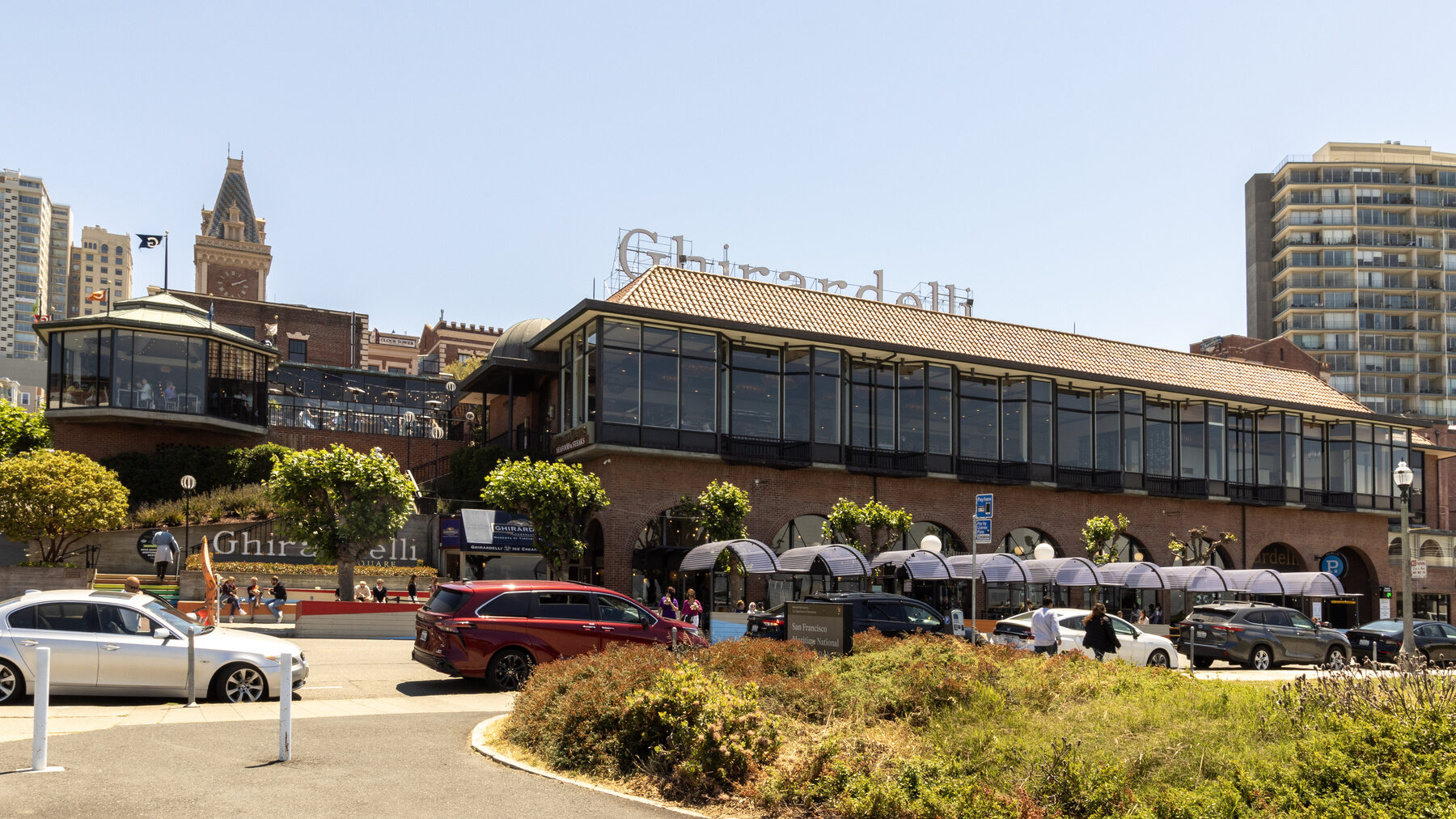
The office was close enough to Ghirardelli that the interns could walk down to the store and get a free chocolate almost every day. It is a small memory, but it is one of the things I remember most clearly: being in San Francisco, getting paid to program, and having a daily routine with the other interns.

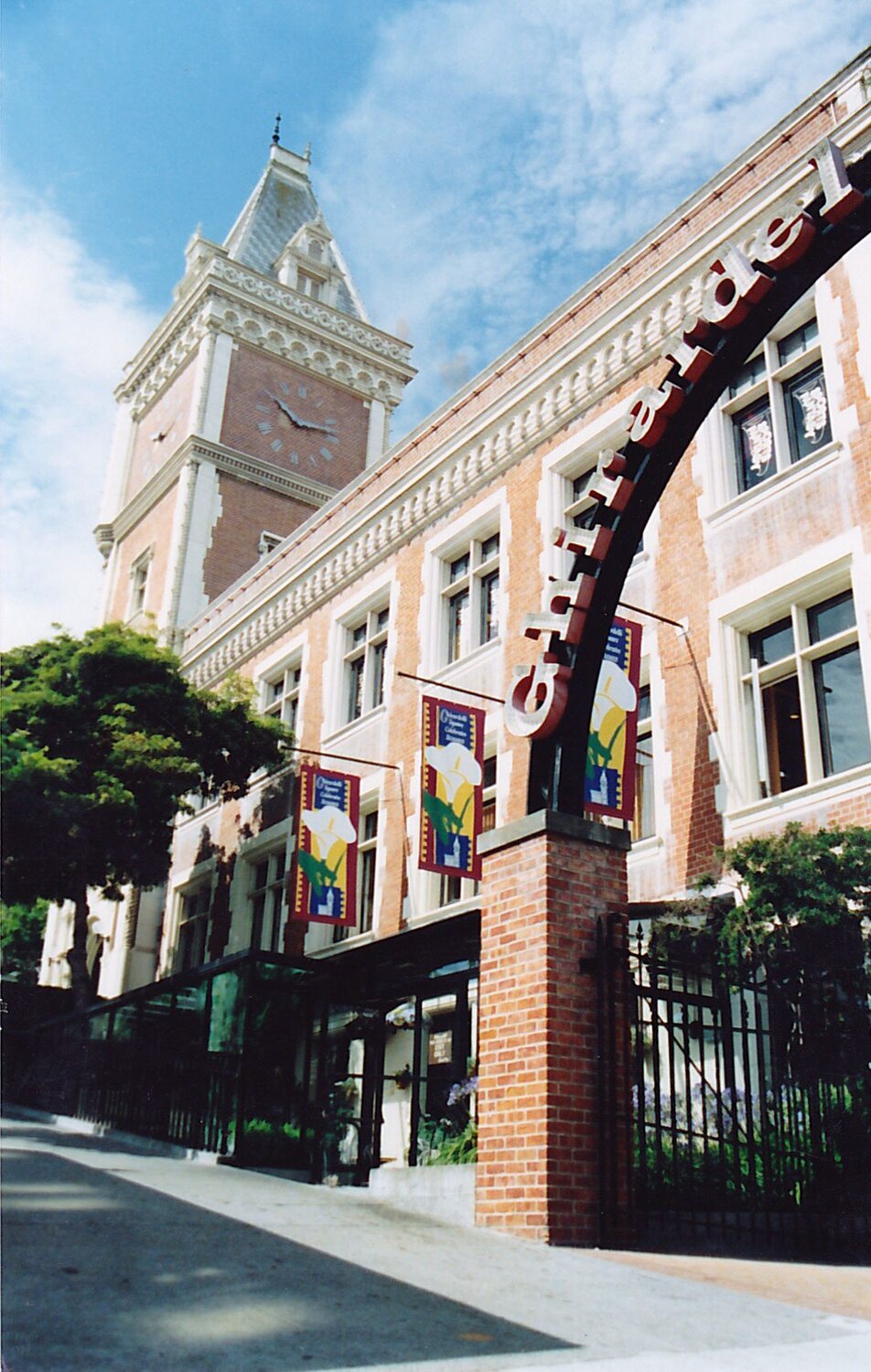
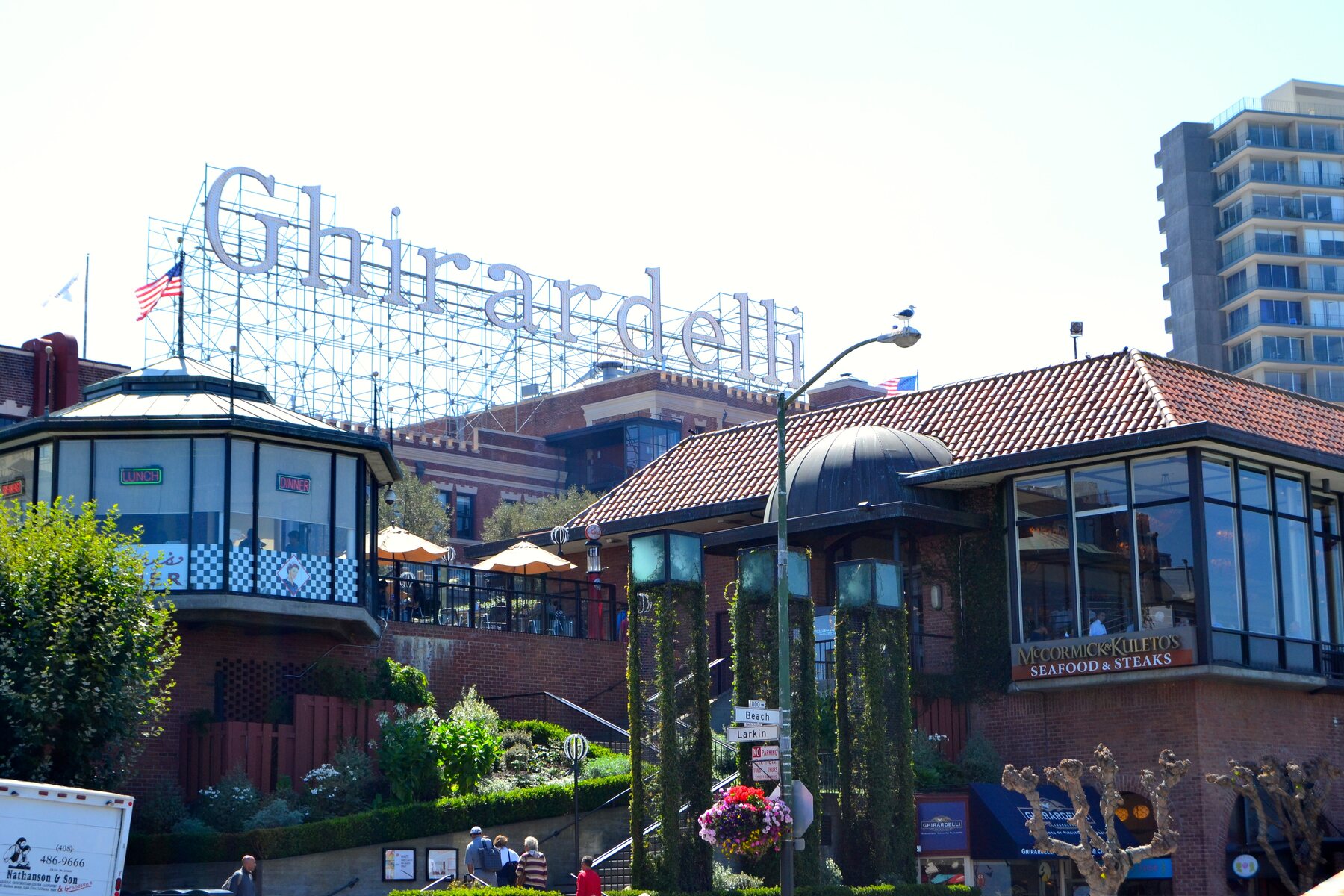
The building in the photo is Ghirardelli Square, the former chocolate factory on the waterfront. The Play Store listing is gone now, and the app was not maintained after that summer, but I still remember the experience fondly: a first software job, a first shipped app, a first time living in San Francisco, and a lot of free chocolate.

Ghirardelli Square and the former chocolate factory on the San Francisco waterfront.
Ghirardelli Square, the former chocolate factory near the office routine I remember from that summer.Source: Carol M. Highsmith / Library of Congress
  1. Sprinkles event list with kickball and bowling video collections.

    Events

    Events collected short video clips that could be stitched together.
  2. Sprinkles screen with rows of videos grouped under events.

    Video Buckets

    The app grouped Instagram videos so users could browse what was available.
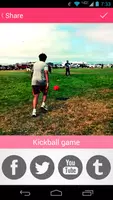
  3. Sprinkles share screen with a kickball video preview and social sharing buttons.

    Share

    After editing, the app helped send the result back out to the social apps people already used.
  4. Sprinkles screen with a grid of selectable video thumbnails.

    Sprinkles

    A grid of clips made it possible to pick the videos for a remix.
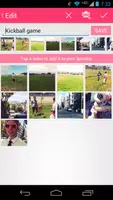
  5. Sprinkles edit screen showing selected clips in sequence.

    Edit

    The edit screen handled the basic job: choose clips, order them, save, and repost.

Sources